
01 / DESIGN
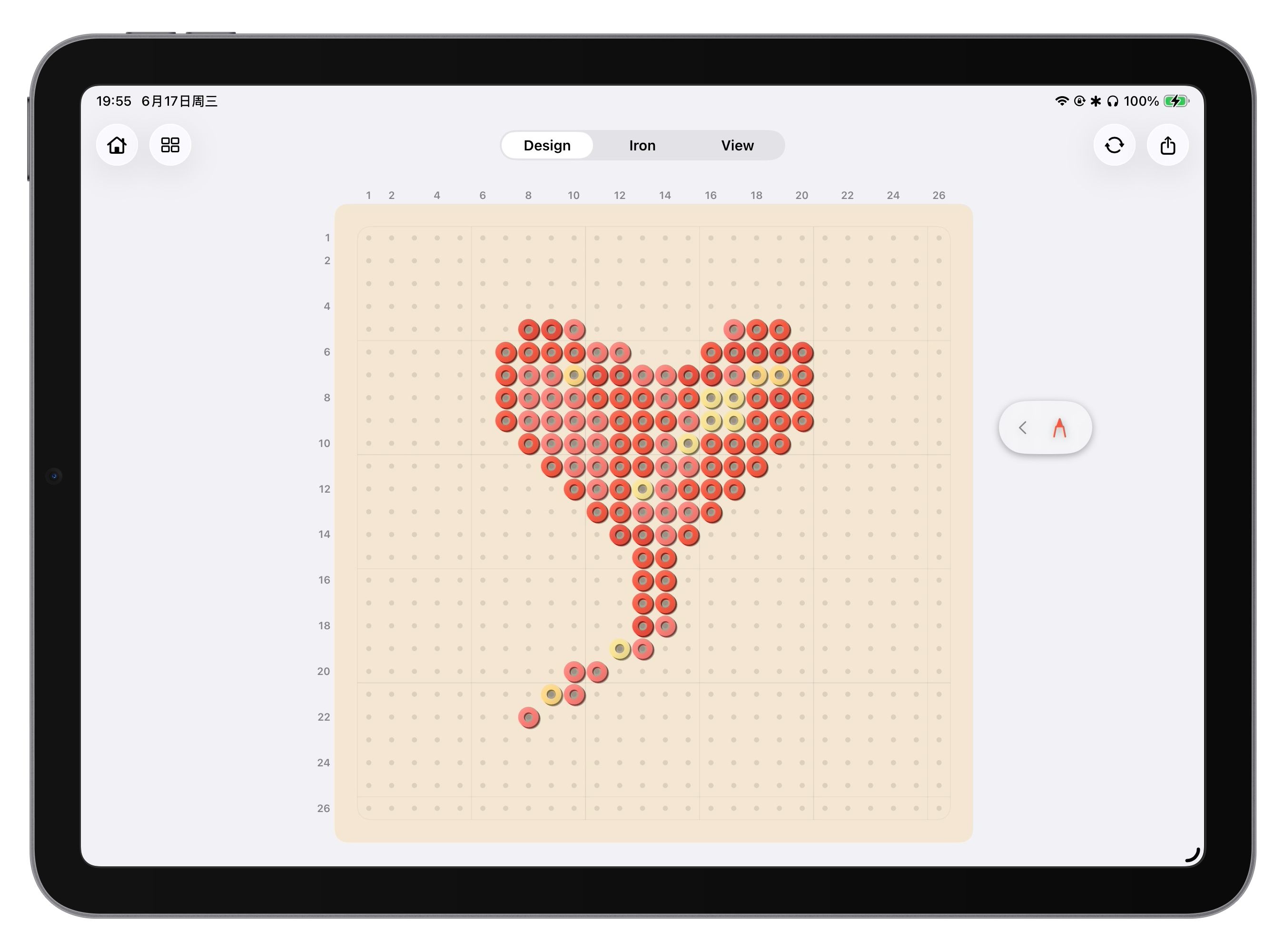
Start with a single bead.
Draw directly on a clean pegboard and watch your idea take shape, color by color.
A LITTLE WORLD OF COLOR
Turn an idea, a photo, or a few colorful beads into art you can actually make. Design freely, follow along, and see the finished piece in 3D.
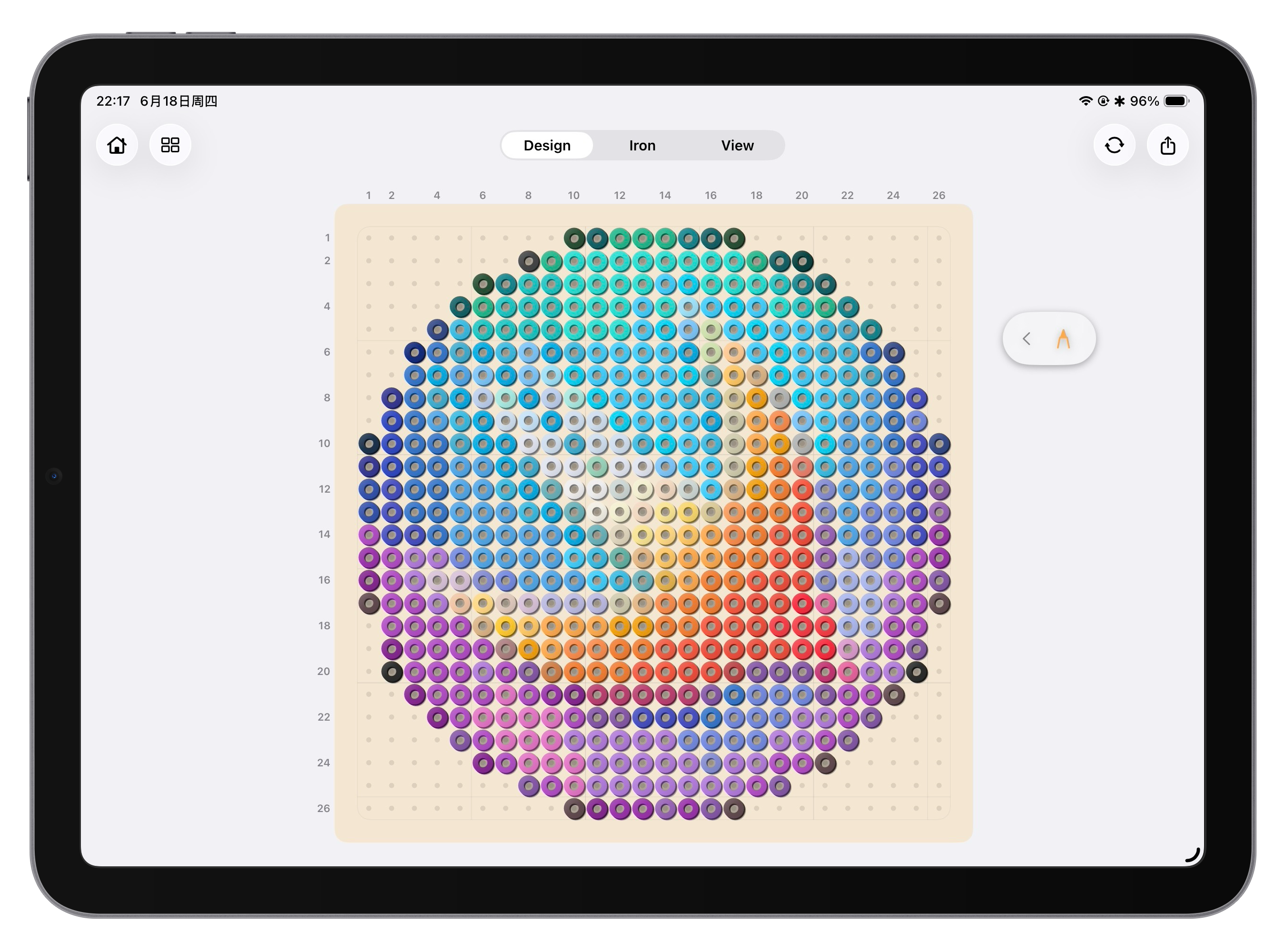
Every step of making bead art, gathered in one playful workspace.
Draw directly on a clean pegboard and watch your idea take shape, color by color.
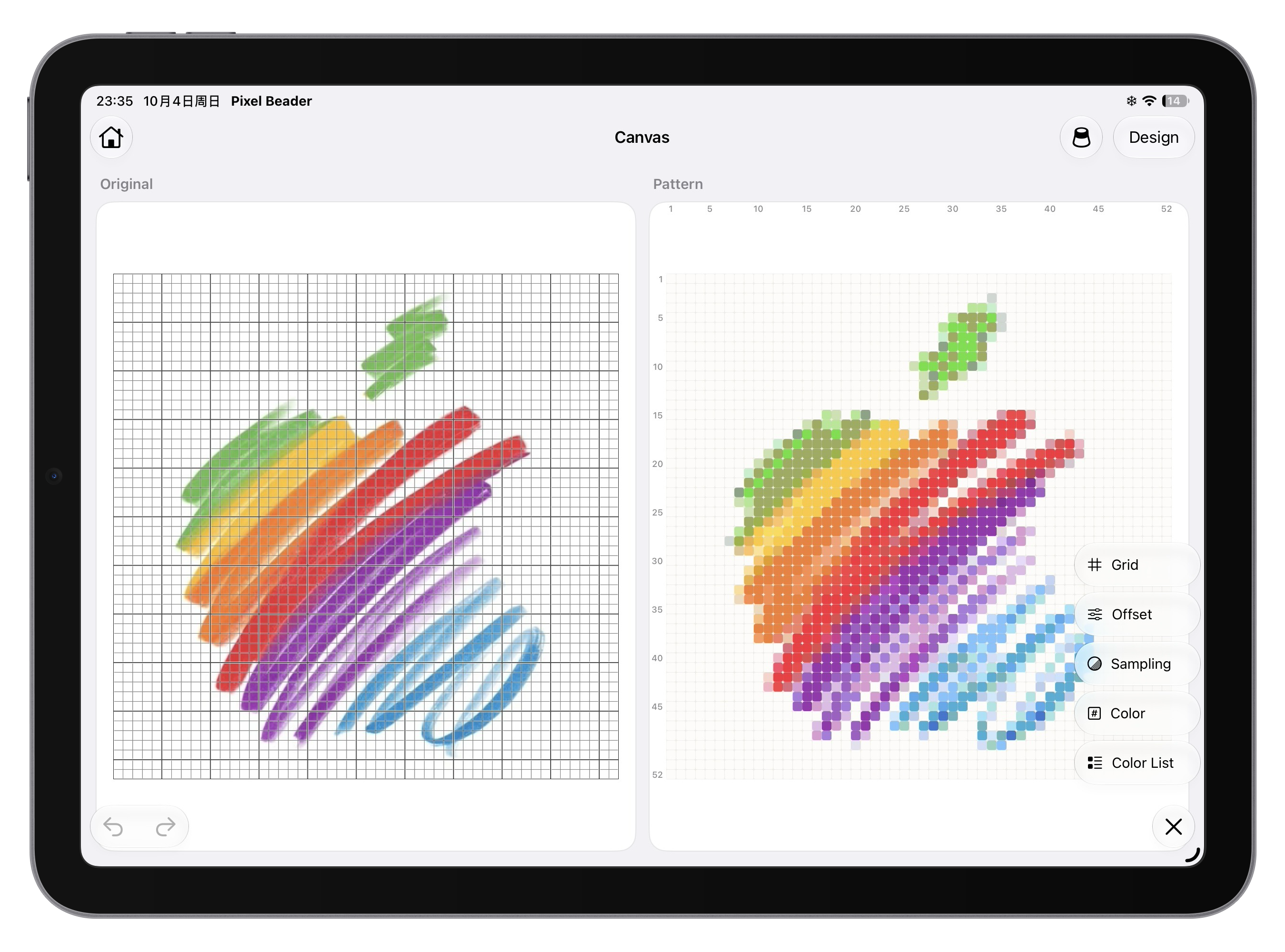
Turn favorite images into bead patterns, then tune the grid and palette to make them your own.
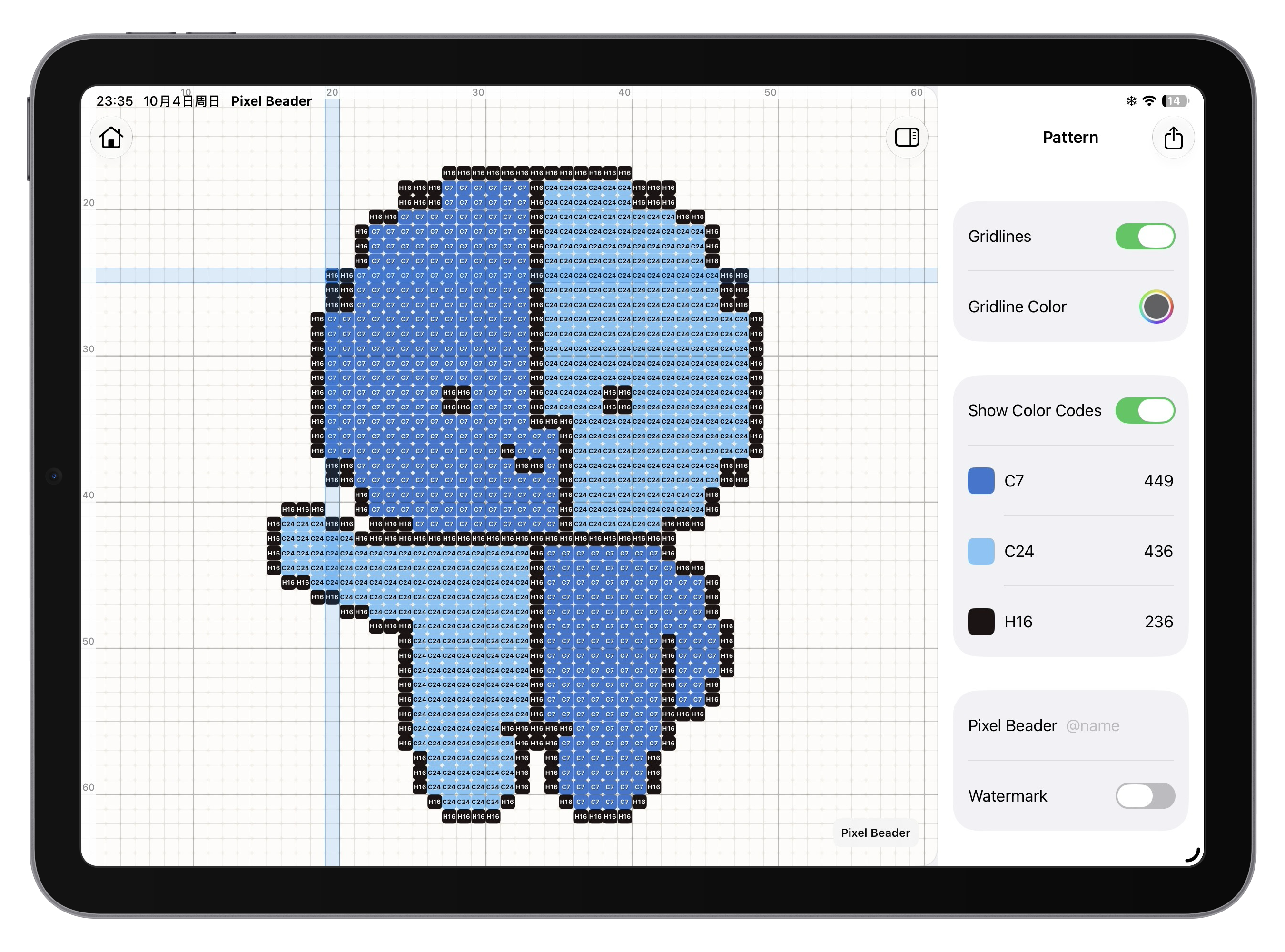
Tap to explore the pattern, read bead color codes, and focus on highlighted rows and columns.
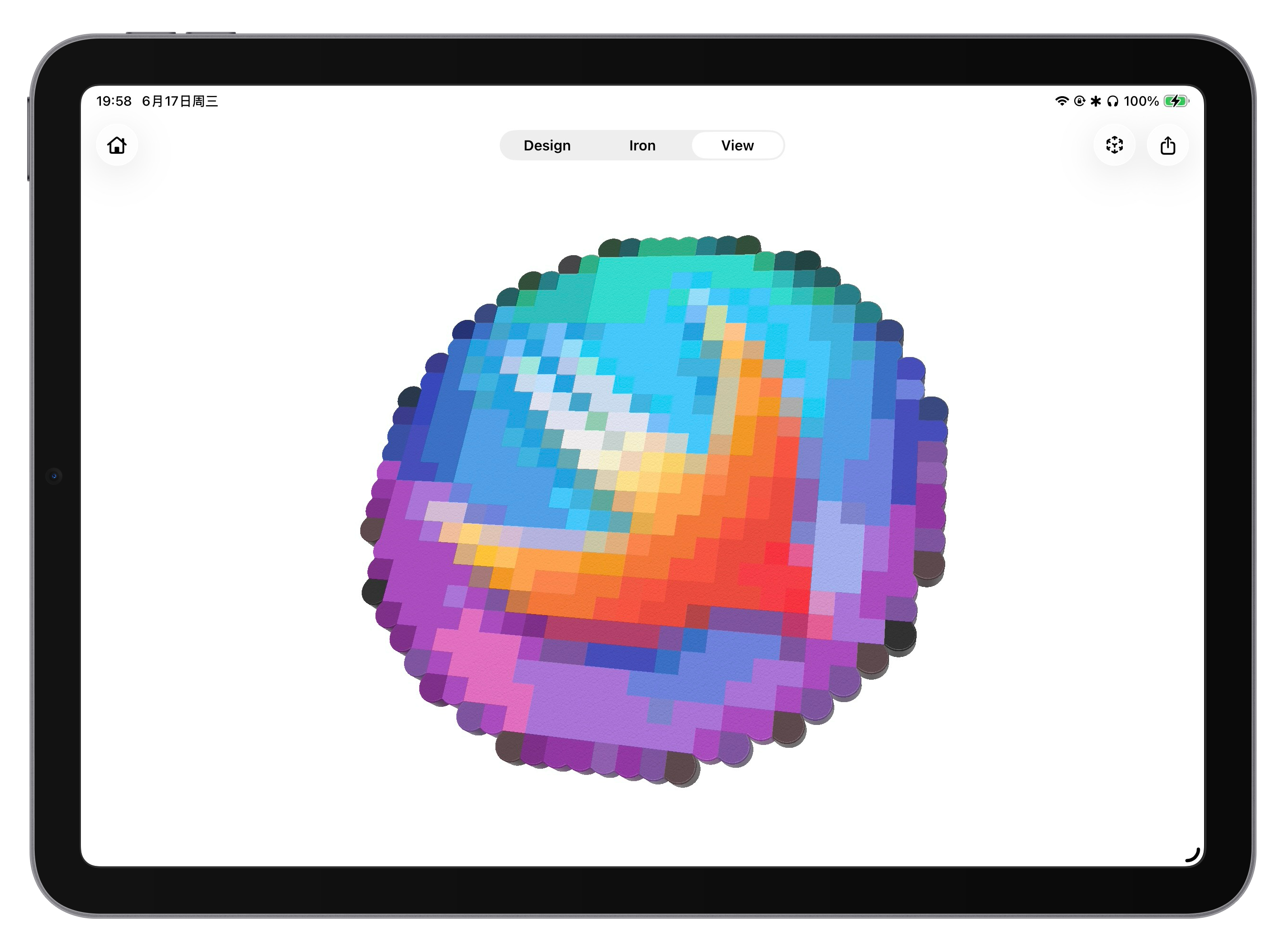
Explore the fused finish in 3D and get a feel for your creation before you make it.
YOUR NEXT IDEA STARTS HERE
Questions about Pixel Beader? We’re here to help you keep creating.
Visit support